
Scan the whole document.
Capture multiple pages, reorder them and export one PDF.
Perfect Scan for iPhone
Turn shadows, wrinkles, curved pages, blur and bad lighting into clean, professional scans — automatically.
3 AI-enhanced pages free · No account required
Your scans stay on your iPhone whenever possible.
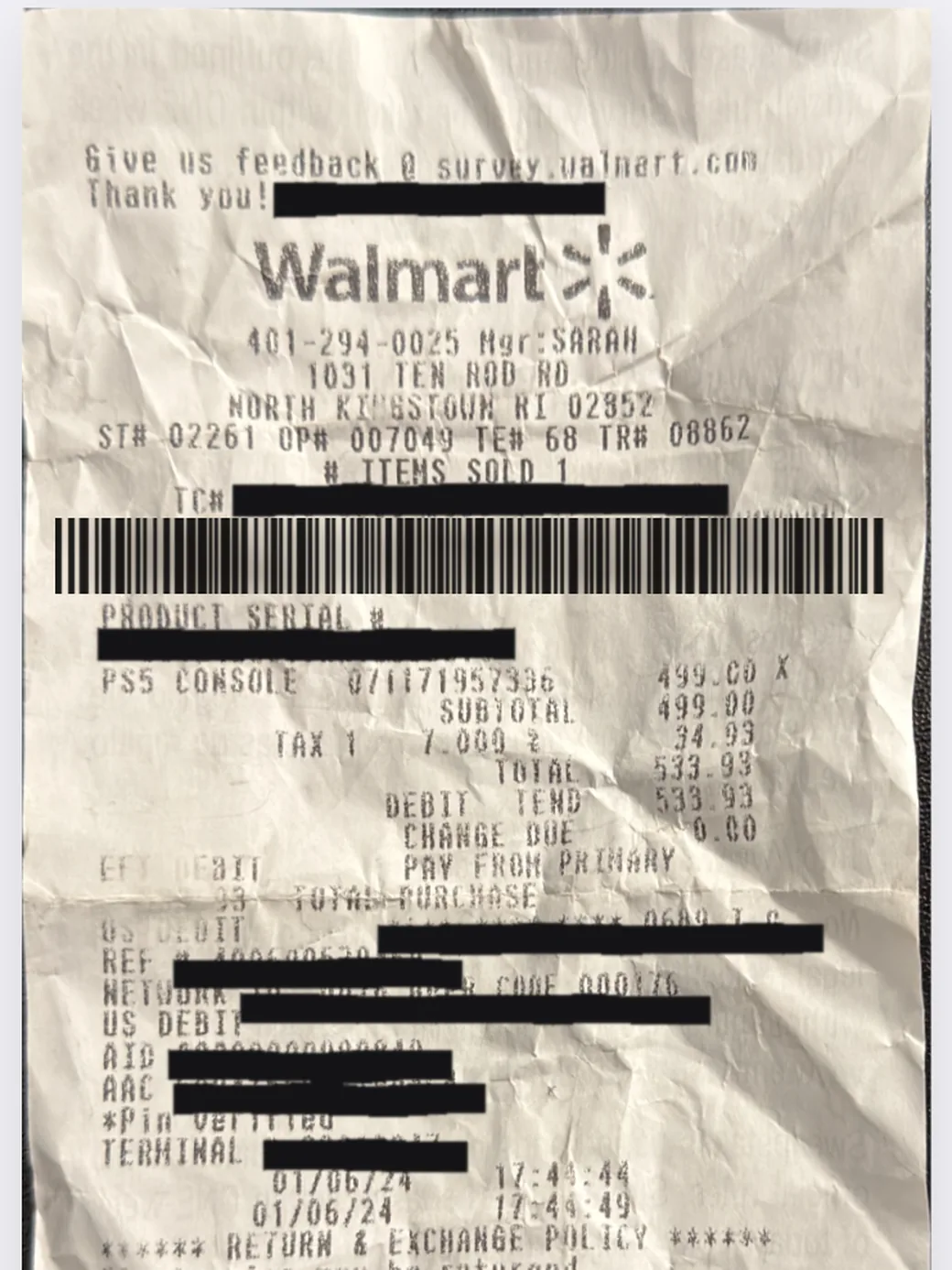
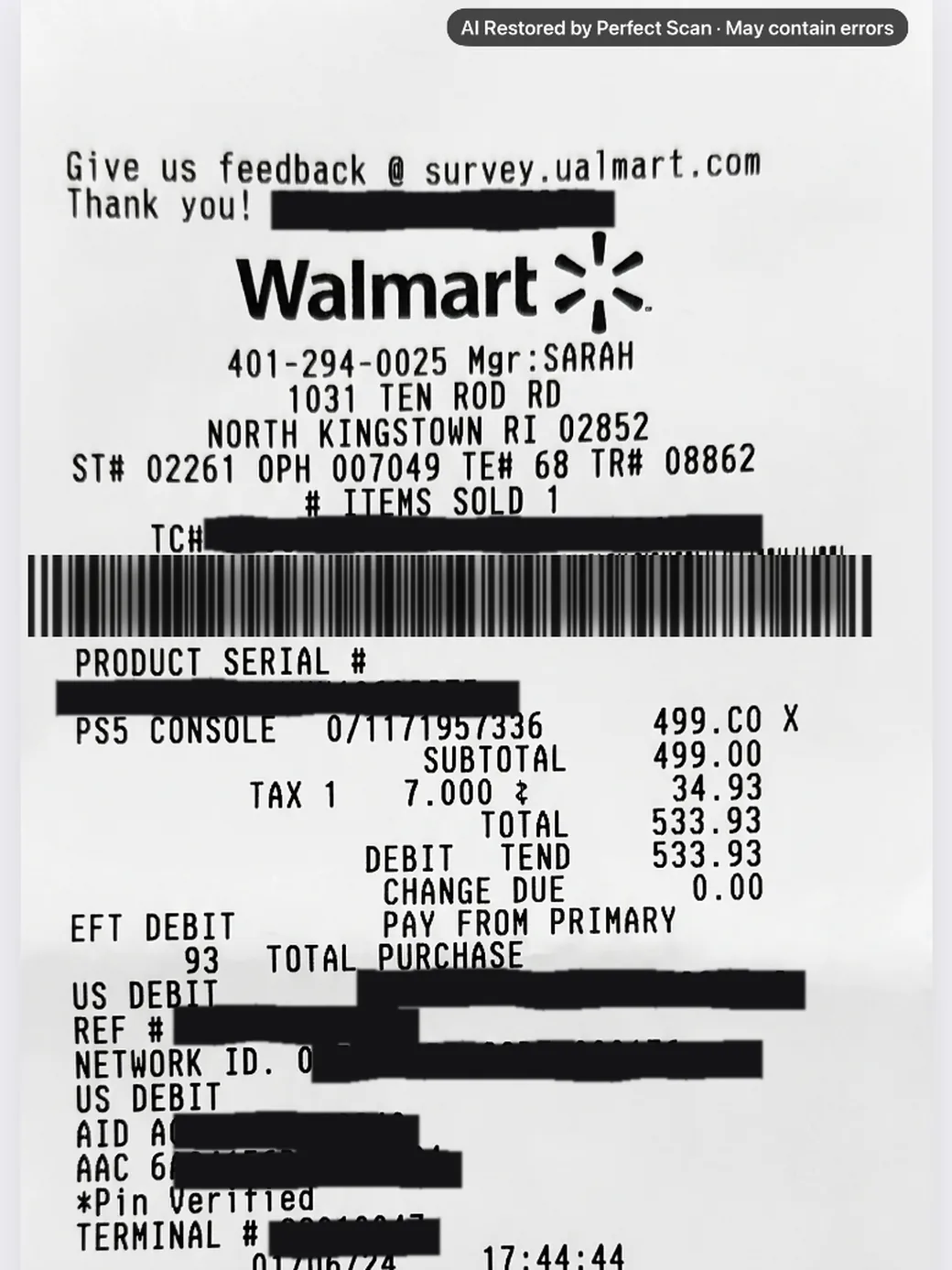
Real photos. Real Perfect Scan results.
Try 3 AI-enhanced pages free.

Hold your iPhone over the document. Perfect Scan finds the page and captures it for you.

Perfect Scan fixes lighting, shape and damage. For a badly damaged page, tap Restore with AI.

Export a clean PDF or JPEG to Mail, Messages, Files, Photos or Print.

Capture multiple pages, reorder them and export one PDF.
Perfect Scan reads document text so you can search what is inside.
For severely damaged or obscured pages, AI Restore can reconstruct parts of the document.
AI-restored pages are always labeled.
Because reconstructed content can contain mistakes, Perfect Scan clearly marks restored pages so you can verify them against the original.

Cropping, OCR and search run on-device. Some AI enhancement may require encrypted processing. Submitted pages are processed and not retained. Learn about privacy
or $8.99/month
Subject to reasonable use: up to 150 AI-restored pages a month.
You can scan normally for free and try AI enhancement on 3 pages before subscribing.
Most scanning, OCR and search happens locally on your iPhone. Certain AI enhancement features may securely process a page remotely when required. Processed pages are not retained.
Yes. Scan multiple pages, reorder them and export them together as one PDF.
Yes. Perfect Scan works with receipts, documents, forms, book pages, notes, contracts, letters and more.
AI Restore is designed for severely damaged or obscured documents. Because it can reconstruct missing information, restored pages are clearly labeled and should be checked against the original.
No.
Try Perfect Scan free on iPhone.
3 AI-enhanced pages free · No account required